Playing with Python 🐍 Learn, Play, & Test Python 4 OSINT & not only…
on
Get link
Facebook
X
Pinterest
Email
Other Apps
Playing with Python 🐍
Learn, Play, & Test Python 4 OSINT & not only…
Credits: Bing AI
Hey, coding crew! 🏋🏿♂️
Ready to unlock the power of Python?
This coding rockstar isn’t just easy
to learn (think super readable and beginner-friendly); it has some
weighty tricks. Think about building killer web apps with frameworks
like Django and Flask or wrangling data like a champ with NumPy and Pandas.
Buckle up, security sleuths! ️
Python isn’t just about building excellent websites — it’s a secret
weapon in cybersecurity and OSINT (Open Source Intelligence). This
coding chameleon can be trained to scan networks like a bloodhound,
crack vulnerabilities with penetration testing tools, and analyze data
like a champ.
As it is so flexible and has a treasure trove of libraries, it’s
become a go-to choice for security ninjas and OSINT investigators
across all industries. So, if you’re looking to up your cybersecurity
game or become a master of open-source intel, Python might be your new
best friend!
A treasure trove of libraries that make scripting & automation a
breeze — feeling! Dive into the exciting world of Machine Learning
& AI with TensorFlow or Keras — Python can be your perfect criminal partner!
Ethical Obviously!
So, ditch the arm-twisting factor and get ready to code like a pro.
I’ll even show you a fun, hands-on project to get your feet wet, with
a little AI backup to keep things interesting.
Python isn’t just another coding
language; it’s your secret intel-gathering weapon! With Python, you
can craft super-powered tools to scoop up data from all corners of the
web. Think libraries like BeautifulSoup & Scrapy — these gems let you build custom web scrapers that target specific
info, like public profiles, forum posts, or social media comments.
Imagine the intel goldmine you can create!
Python’s flexibility goes beyond OSINT. It’s a jack-of-all-trades for
various applications, including cybersecurity. So, ditch the
limitations and get ready to build custom tools that fit your
needs — Python’s your partner in crime for conquering any coding
challenge!
Python isn’t just a coding chameleon; it’s a geography guru in
disguise! His versatile language lets you craft powerful geospatial
analysis tools to dominate location-based data.
Imagine this: you can build stunning, interactive maps with libraries
like Folium, revealing hidden patterns and connections that would get lost in
boring spreadsheets. Empanadas swoop in to help you analyze this data
with laser focus, letting you calculate distances and areas and even
perform fancy spatial joins. But wait, there’s more! Djangoenables you to take your creations to the next level, integrating
your geospatial magic into web applications worldwide.
So, ditch the static and unlock the dynamic world of geospatial
analysis. With Python as your guide, you can extract valuable insights
that would leave Indiana Jones speechless — for any industry or
research field you can dream of!
Python, your trusty coding
companion, can also be your secret weapon for cracking social media
analysis. Raft your tools to sift through mountains of Twitter,
Facebook, or LinkedIn data. These super-powered tools can track trends
like a bloodhound, sniff out influential users and even gauge the mood
of the online masses — all gold for building rock-solid OSINT
strategies. With Python’s chameleon-like flexibility and its treasure
trove of libraries, you can create custom OSINT tools to handle any
intel-gathering mission you throw at them!
Want to write Python code without
the hassle of setting up an environment? eplit is your new best
friend. His flawless online platform lets you code Python (and many
other languages!) in your browser, so you can start coding in
seconds — no downloads, installations, just pure coding fun! eplit
also boasts some seriously cool features, like AI-powered coding
assistance and collaboration tools, making it a perfect place to
learn, code, and create with your fellow Python peeps. Bucket up and
get ready to dive into Python coding with Replit by your side!
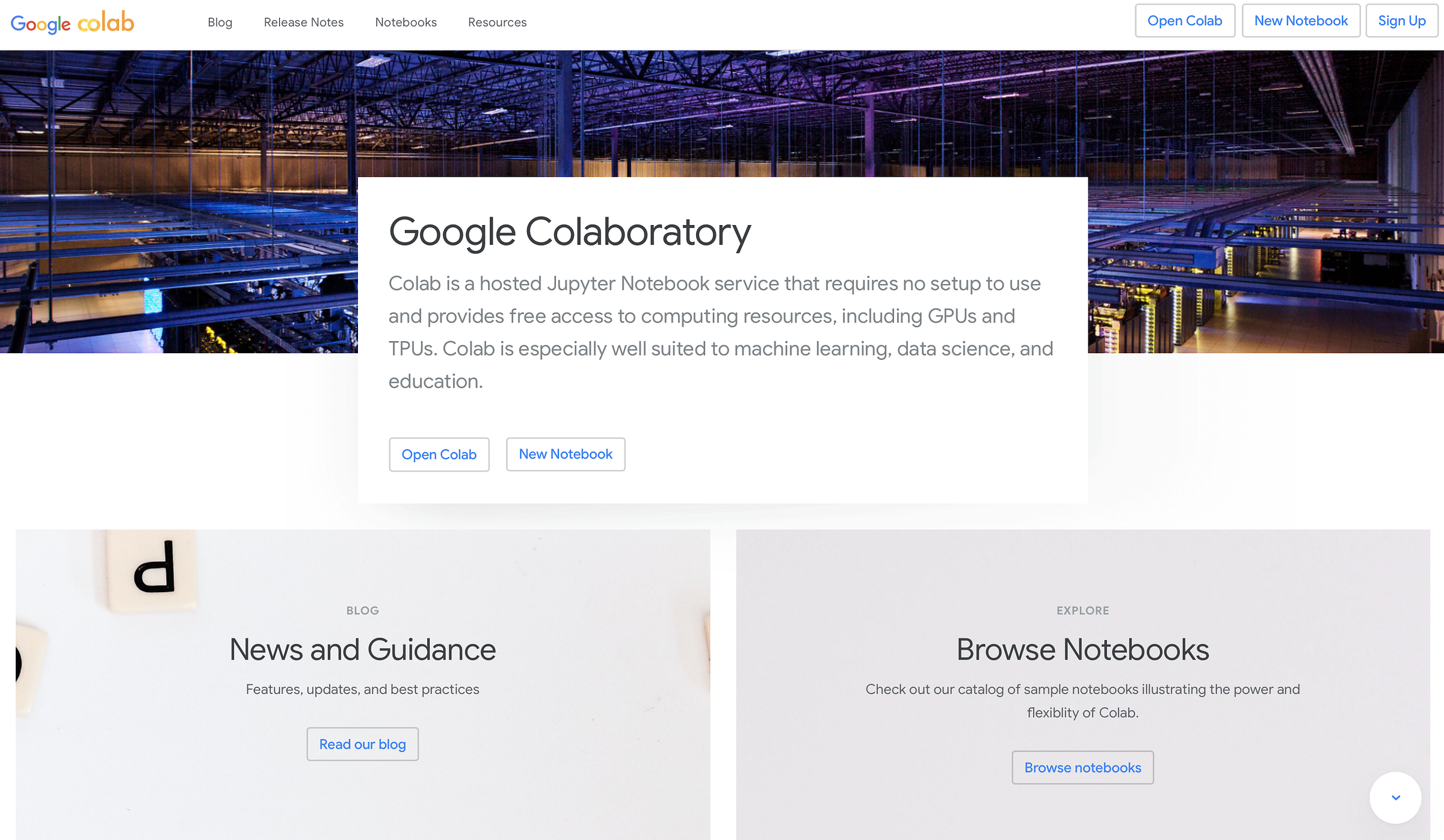
Feeling the urge to write some
Python code, but your laptop’s on vacation (or you prefer to travel
light)? Fret no more! Google Colab is here to save the day. This
superstar online platform lets you code in your browser anytime,
anywhere. No downloads, no installations, just pure coding bliss.
Plus, Colab comes with a treasure trove of pre-loaded libraries and
serious processing power to tackle even the beefiest Python projects.
So, pack your virtual bags, grab your coding brain, and get ready to
explore the world of Python with Google Colab by your side!
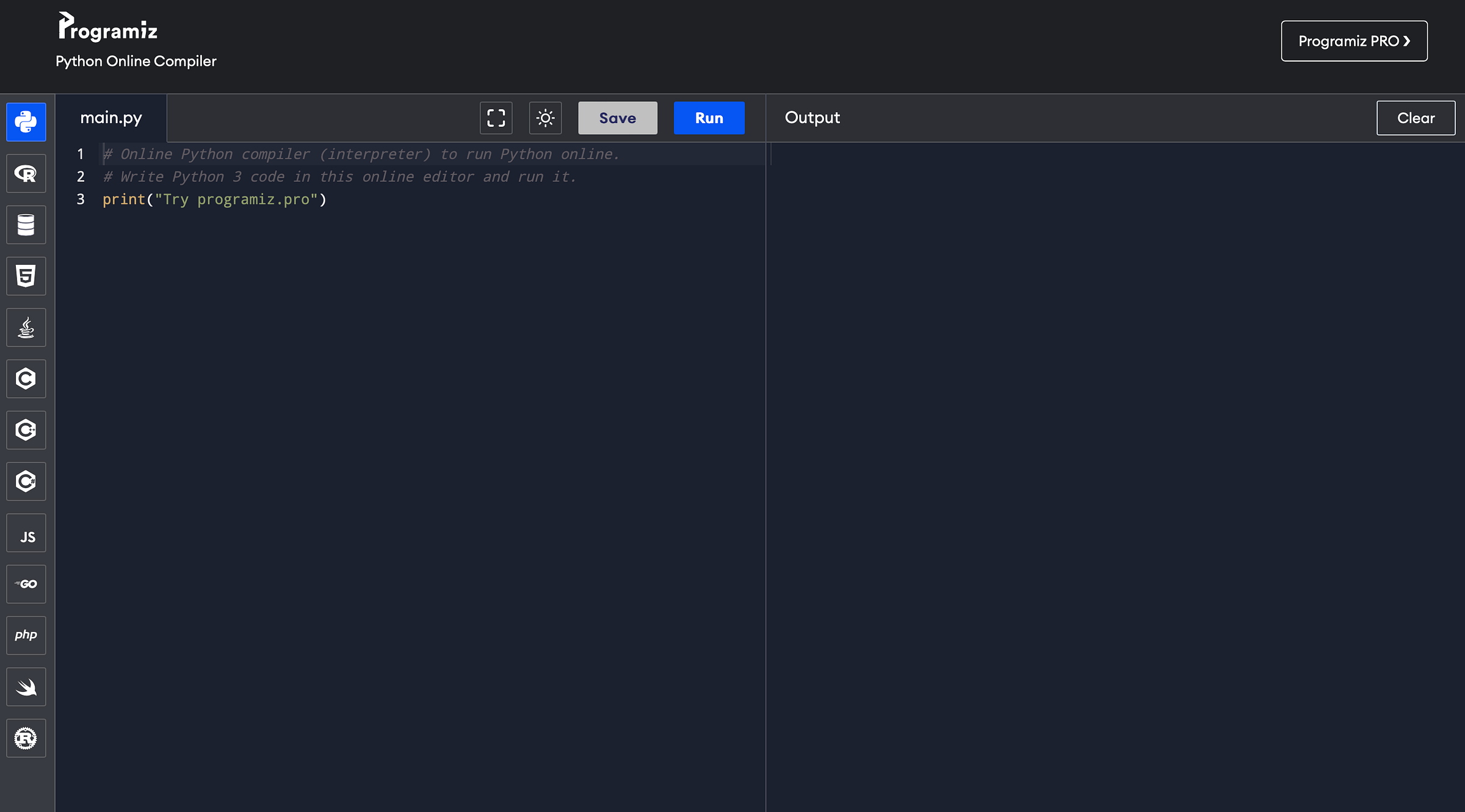
Feeling the itch to code, but your trusty machine is MIA? No
worries! Programiz’s online Python compiler lets you whip up Python
code in your browser anytime, anywhere. No downloads, no
installations — just pure coding fun! This nifty tool has an editor
and a handy run button, so you can write your Python masterpieces
and see them come to life in a flash. So, ditch the setup struggles
and get ready to experiment with Python — Programiz’s online
compiler is your coding playground in the cloud!
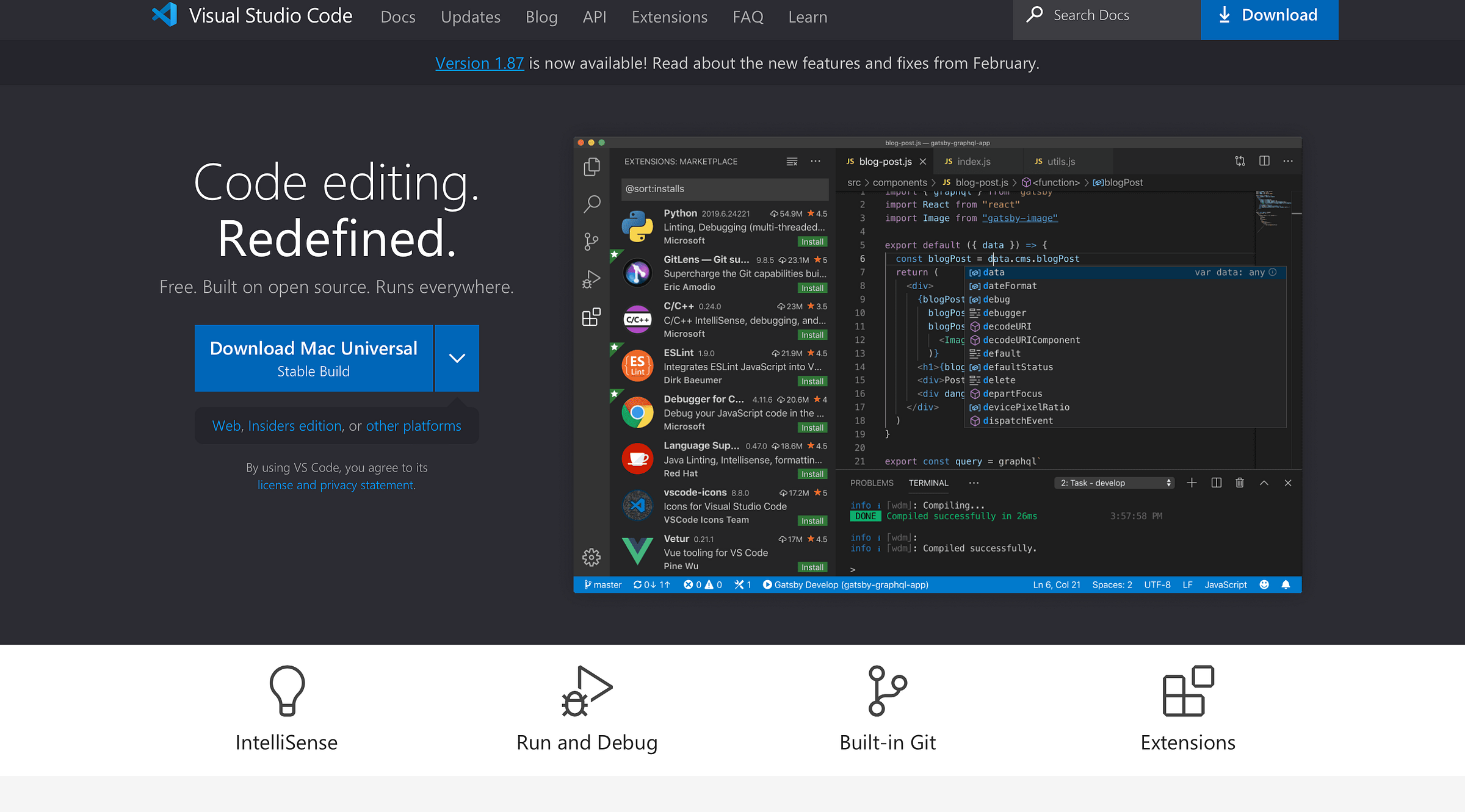
Are you tired of juggling code
editors and feeling the struggle is real? Visual Studio is here to be your one-stop shop for crafting epic Python applications (and way more!). This coding colossus isn’t just mighty; it’s
got built-in AI smarts to supercharge your workflow.
Imagine this: you’re building a killer web app with
Python’s Django framework. Visual Studio’s got your back with code completion
that predicts your next move, and IntelliSense will highlight errors before they even crash the party.
No sweat! AI-powered code suggestions are just a click away, ready to help you progress.
But Python’s a coding chameleon, remember?
Visual Studio can handle everything, from building sleek desktop apps
to wrangling data like a champ. Think data science with libraries
like NumPy and Pandas — Visual Studio makes the process smooth sailing.
Debugging becomes a breeze with powerful tools, letting you pinpoint
those pesky bugs faster than ever.
So, ditch the coding chaos and embrace the flow state with Visual Studio.
Let AI be your coding wingman, and get ready to build amazing things
with Python — the endless possibilities!
Your coding masterpieces deserve a safety net, so hit that save button
regularly. Nobody wants to lose their hard work.
Now, about that AI magic — both Bing and Google are pretty excellent
at offering free, accurate, and super-easy-to-use AI tools. The choice
is yours! Pick your favourite web playground and let the AI be your
coding wingman. There’s no limit to the resources you can tap
into — it’s like having a coding brain trust at your fingertips!
With that, you’re officially prepped to launch your first Python app!
Get ready to unleash your inner coding rockstar — the world awaits
your creations!
Let’s go!
To stay simple and ensure we
get some results, we can make an IP OSINT App. As it would not be
enough to have a tiny 20-page manual explaining how to make it from
scratch, we will use AI to have a script we can edit and play with.
In this case, we will pick ChatGPT as I found some fuss with Geminy
about privacy concerns ( I make it work anyway, but I’ll explain it in
another post) that may slow us down. Once ready, head
to — ->>>
Just sign up, and you’ll have an
environment all to yourself. Feel free to use any other software or
app you are cosy with. Once ready, paste and run your code!
I crushed this on the first try!
If you encounter errors, copy and paste that bad boy into any AI and
let it work its magic.
import requests defget_ip_info(ip): url = f"https://ipinfo.io/{ip}/json" response = requests.get(url) if response.status_code == 200: return response.json() else: returnNone defmain(): ip_address = input("Enter an IP address: ") ip_info = get_ip_info(ip_address) if ip_info: print("IP Information:") print(f"IP Address: {ip_info.get('ip')}") print(f"Hostname: {ip_info.get('hostname')}") print(f"City: {ip_info.get('city')}") print(f"Region: {ip_info.get('region')}") print(f"Country: {ip_info.get('country')}") print(f"Location: {ip_info.get('loc')}") print(f"Organization: {ip_info.get('org')}") else: print("Failed to fetch IP information.") if __name__ == "__main__": main()
Credits: Bing AI
🪄 Don’t be shy to snag the code below, tweak it to your liking, and
get creative (but keep it ethical, obvs).
Now you’re officially a Python app builder (with a little AI backup,
but hey, that’s what it’s there for!). You’ve also got a whole arsenal
of websites to learn more, customize your Python apps, and become a
coding ninja.
The power is in your hands!
>>>>->->> Share, Clap & Stay Tuned 4 More
<<-<<-<<-






Comments
Post a Comment